Advanced Analytics for Everyone
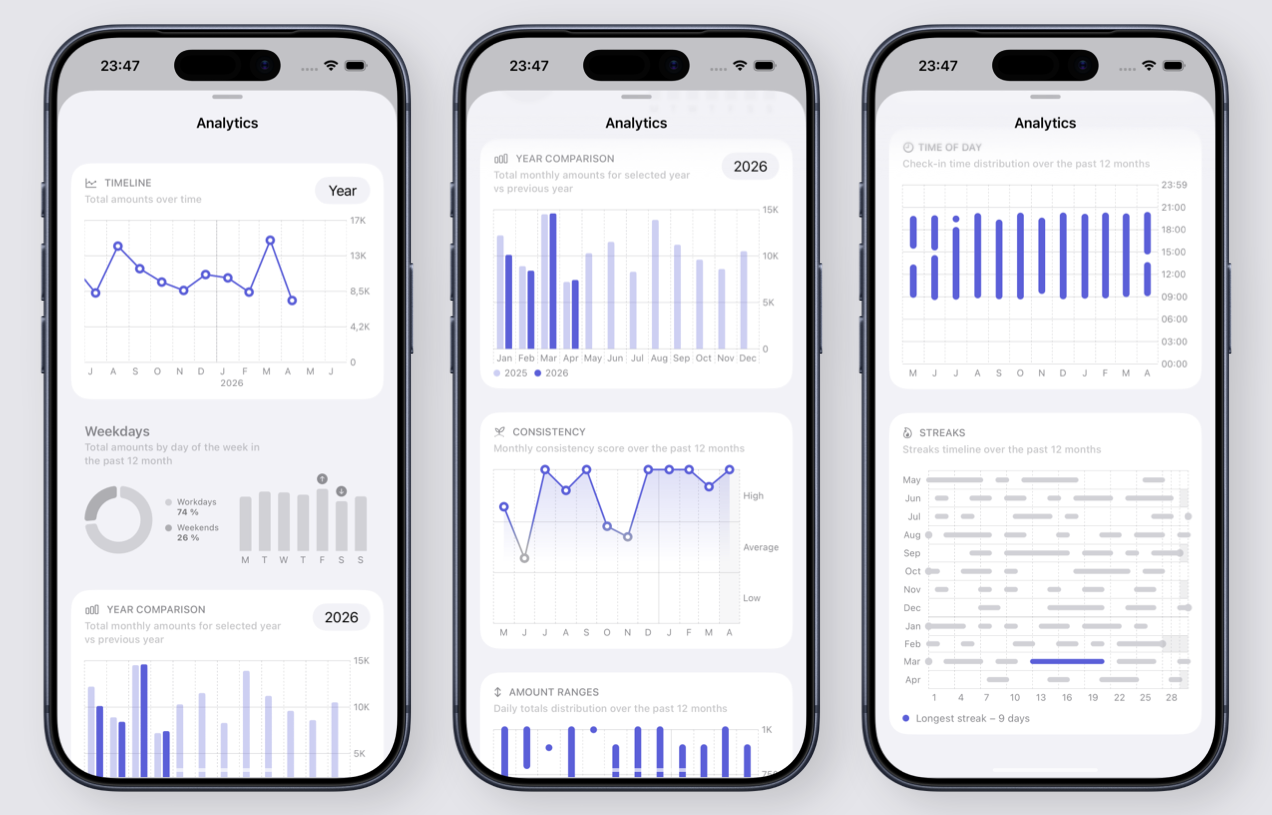
All charts and metrics are now included in the free version of Ripples and available to everyone.
All charts and metrics are now included in the free version of Ripples and available to everyone.
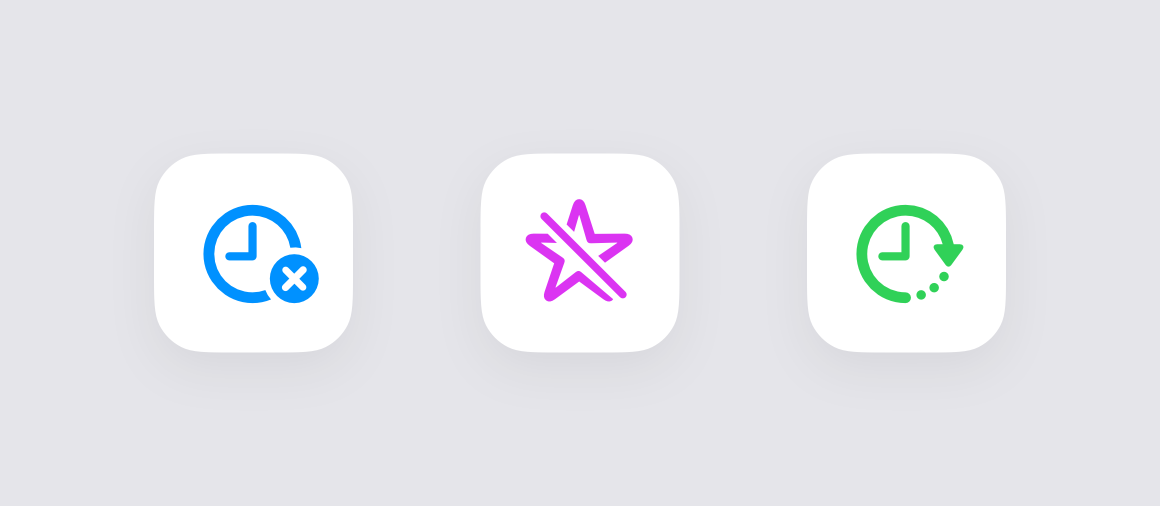
Boards now have three new options to customize their behavior.
You can now turn off check-in time tracking for a board if the action you track doesn't need that level of precision.
For cases when you often check in after midnight but still want it to count as the previous day, there is now an option to shift the time when a board switches to the next day.
For actions that are not habits and do not need performance tracking, you can now turn off the Streak and Consistency metrics.
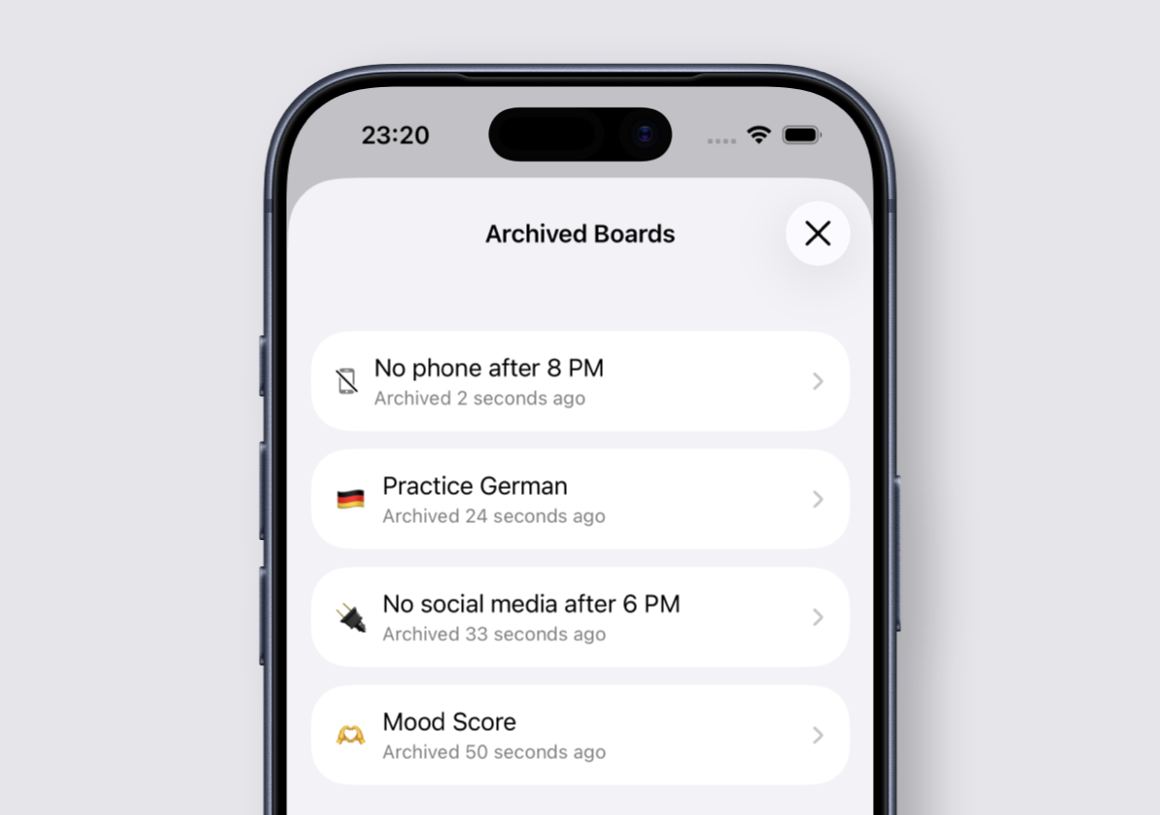
You now have an option to archive a board that you don't use anymore but don't want to delete entirely.
You can come back and review the historical data for an archived board. If needed, you can restore it and continue to check in on it.
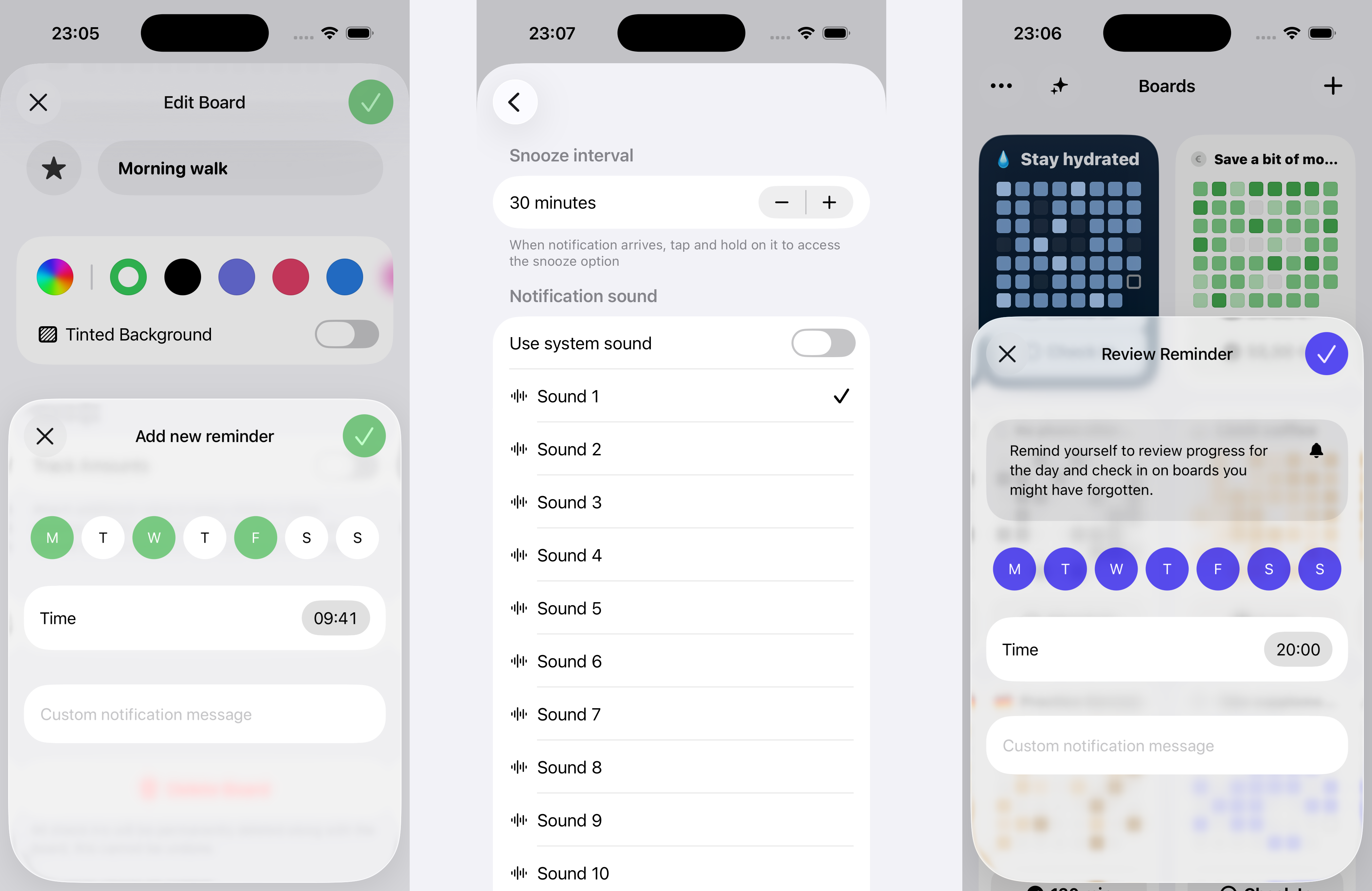
You can now schedule multiple reminders per board to get a notification when it's time to check in. You can select days of the week and the time, as well as add a custom message that will show up in the notification.
You can also set a global reminder, not attached to any specific board, to review your day and check in on boards you might have forgotten.
In Settings, there is a new "Notifications" section where you can set a custom sound for notifications from Ripples to make them audibly distinct.
When a notification arrives and you're not ready to take action right away, long-press it and tap "Snooze" to get reminded again in a few minutes. The snooze interval can also be configured in the new settings section.
Ripples went through a major internal refresh in order to prepare it for a new cycle of updates with new features and performance improvements.
I have a lot of ideas and plans for the app, but now that it's almost 2 years old, a few questionable design and architecture decisions made at the very beginning have started to significantly slow down the rate at which I can build new features.
The main hurdle turned out to be my custom data layer, which at the time I thought was a good idea. I learned a lot building it, and overall I think it was a net positive, but over time I started to spend more and more time supporting and expanding my custom database adapters, migration engine, and all the other pieces that go into a proper data layer in an app. That was time I could have spent improving the app by adding meaningful features.
At the same time, SwiftData was released and matured over a couple of years, and it started to look a lot like what I needed.
Every part of the app was adjusted to work with models coming from SwiftData (my custom data layer was using simple structs everywhere). I left only the bare minimum from my custom database adapters in order to read boards from the old database and put them into the new store. So when a person updates to the new version and opens the app, the migration will happen.
Unfortunately, one thing I couldn't avoid was migrating existing Home Screen widgets and custom shortcuts that previously used the old data store to the new one. You'll need to delete the old widgets and re-add them, and do the same with shortcuts. Sorry about this. I tried my best to make it work, but there was no other way.